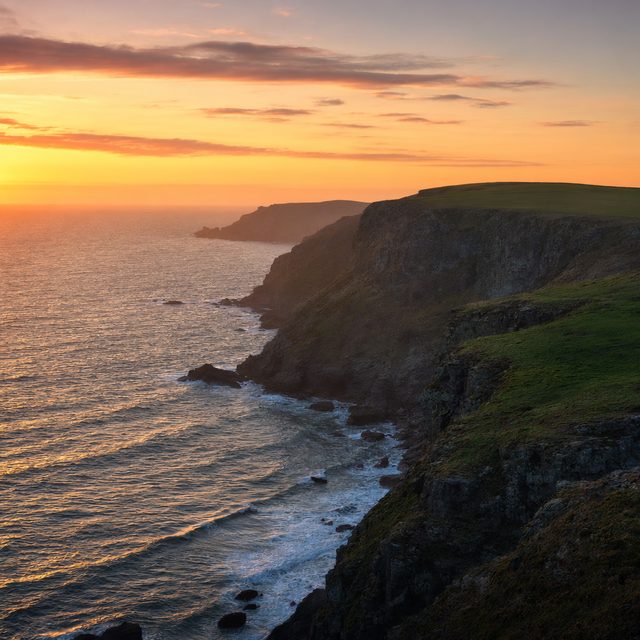
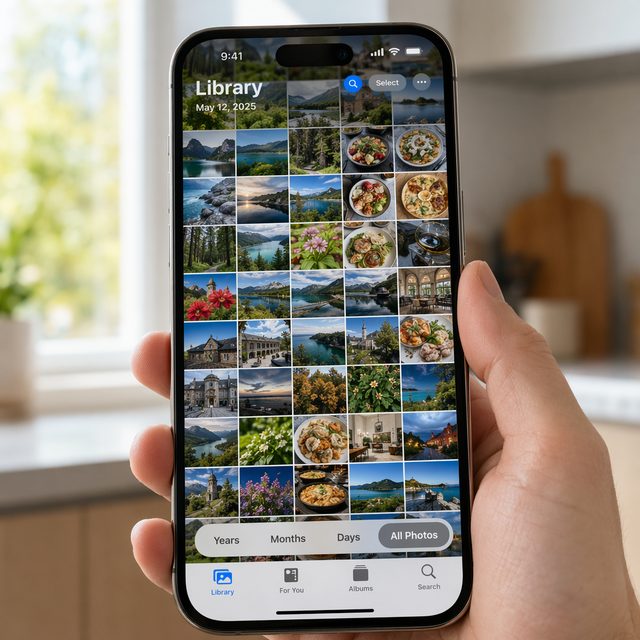
You took twelve nearly-identical shots ✨ Beauts finds the one worth keeping — sharpest, eyes open, looking at the camera. Your originals stay exactly where they are.
No account. No cloud. No subscription. Runs on your Mac 🇬🇧
How it works
You don't need to know anything about photos to use Beauts.
Drag a folder onto Beauts — a holiday album, a birthday folder, your whole Photos export. Beauts scans it in the background.
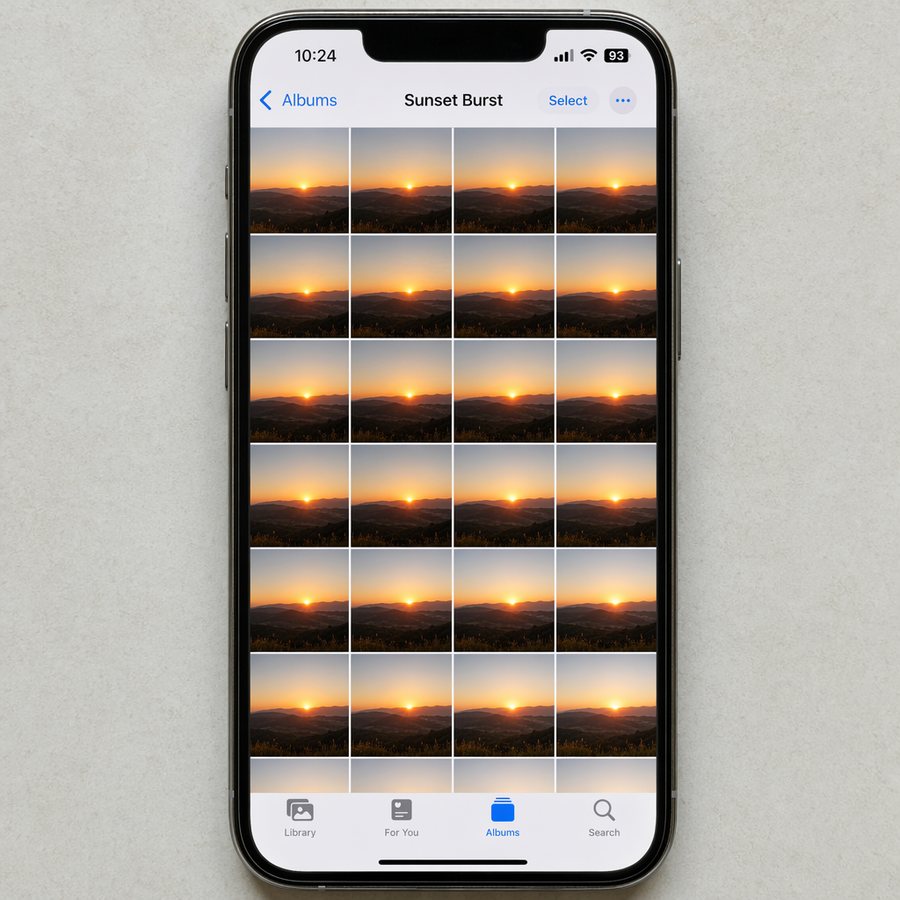
It finds the shots that are basically the same photo taken seconds apart — the twelve nearly-identical ones of someone cutting the cake.
Sharpest focus. Eyes open. Looking at the camera. It copies those to a new folder. Your originals stay exactly where they were.
Who it's for
You don't need special software. You just need the good ones.
8,000 photos from two weeks in Portugal. Same beach, same sunsets, twelve versions of the same smile. Beauts gets it down to the ones worth looking at again.
You need to clear space. But you don't want to delete the wrong ones. Beauts picks the keepers so you can confidently delete the duplicates.
A birthday, a wedding, a school play. Everyone has a camera out. The same moment shot forty times. You just want the five photos actually worth printing.
Worth knowing
Beauts does one thing. It doesn't try to do everything.
Not a photo editor. Beauts doesn't touch your photos. No filters, no cropping, no colour correction. Just picks.
Not a cloud backup. Your photos never leave your Mac. Beauts doesn't upload anything anywhere.
Not a subscription. You pay once, you own it. No monthly fee, no account to manage.
Not a replacement for Photos.app. Beauts works alongside Apple Photos. You export a folder, run Beauts, import the keepers back.
Nothing is uploaded. Nothing leaves your device.
£4.99. No subscription. No renewal. Updates included.
Email us, we'll refund you. That's the whole policy.
A solo developer. Every email goes straight to the person who built it.
Try the free version first, or buy straight away. Either way, no account needed to download.
Free trial
No time limit
Beauts — full version
One-time payment · keep it forever
Requires macOS 13 (Ventura) or later · Apple Silicon & Intel · Refund policy · Terms
No. Beauts only copies the photos it picks to a new folder. Your original files stay exactly where they are, completely untouched. Nothing is moved, nothing is deleted.
Yes. Export a folder from Photos.app, point Beauts at it, and import the results back in. Beauts works on plain folders — it doesn't connect directly to your Photos library. JPEG and HEIC both work fine.
If the folder is accessible on your Mac — even via iCloud Drive — Beauts can scan it. For iCloud, make sure the photos have been downloaded to your device first (not showing as "optimised" thumbnails).
JPEG, HEIC, PNG, TIFF, and WebP. RAW formats (CR2, NEF, ARW, DNG) are on the way.
No. £4.99, you own it. If there's a major version upgrade (v2.0) you'll get a loyalty discount of at least 50%. Point releases (v1.1, v1.2) are free.